1
Home
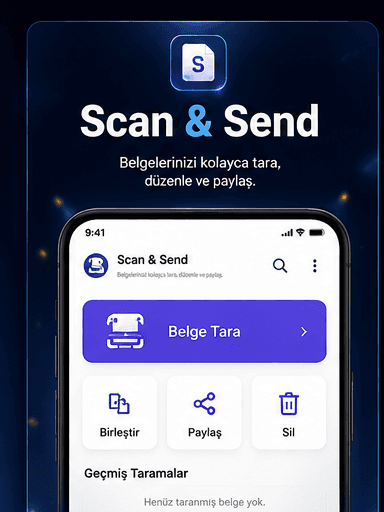
Access scan, merge, share, and history actions instantly from one central panel.
SCAN & SEND
Scan documents, save them as PDFs, merge files, and share them with ease.
Scan & Send
Fast scan, clean results
A modern and clear scanning experience that makes everyday document tasks easier.
These screens show the full flow from scanning to saving and sharing documents.
Access scan, merge, share, and history actions instantly from one central panel.
Capture your documents quickly with high-quality results.
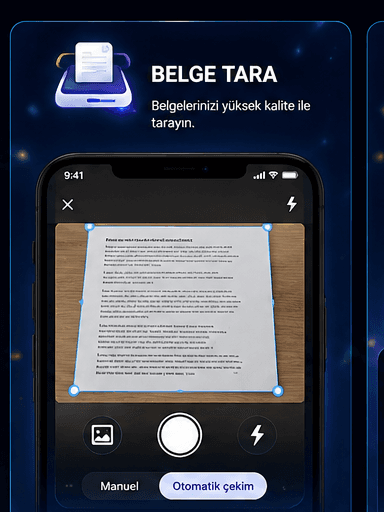
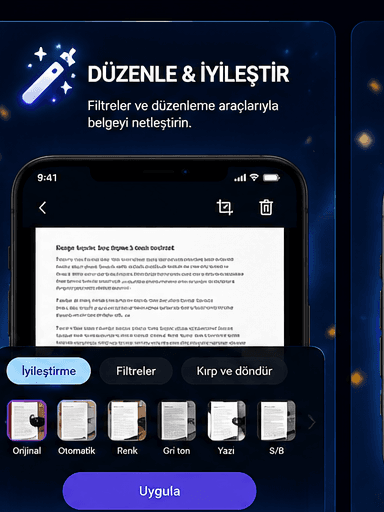
Use filters, crop, and rotation tools to clean up document visuals.
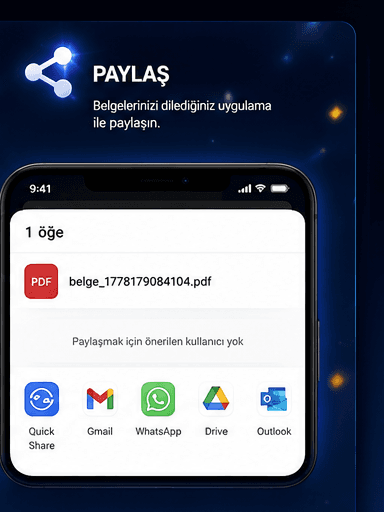
Send PDF files quickly through email, messaging apps, or cloud storage tools.
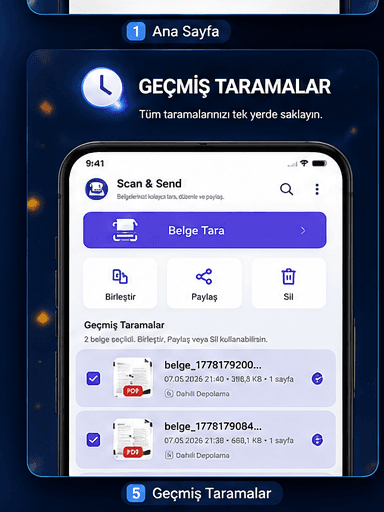
Keep previous documents in one list, then select, merge, share, or delete anytime.
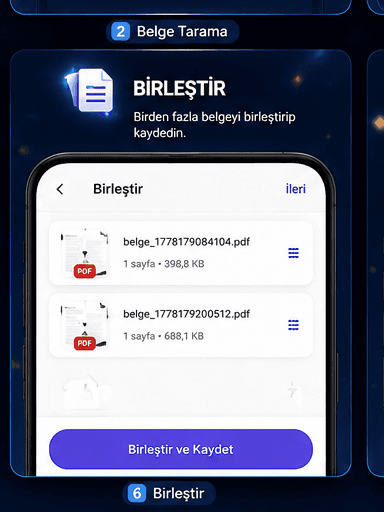
Combine multiple documents into one PDF for easier organization.
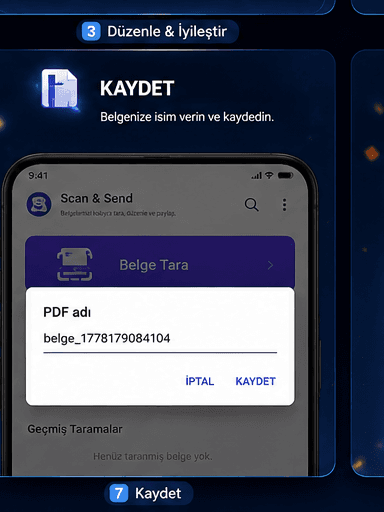
Name your document before saving to keep your archive clean and searchable.
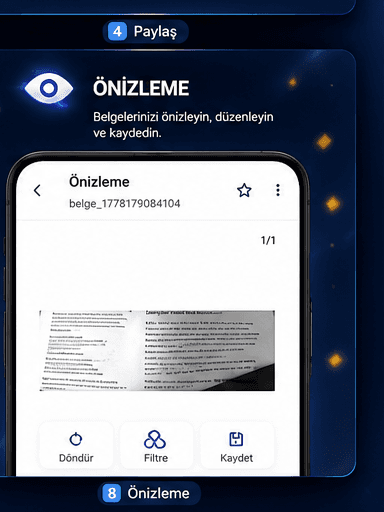
Preview before saving, make final edits, and export with confidence.